





Version: Saudi Arabia

Zid services · Store set-up

Zid store set-up: from an empty dashboard to your first order

Opened a store on Zid and found store details, VAT, shipping, payments, themes and apps all waiting? We set them up with you in the right order and hand over a store that is ready to sell, with a list of everything we configured.

  • Licensed Gulf company
  • Written contract before payment
  • We work from a team membership you add
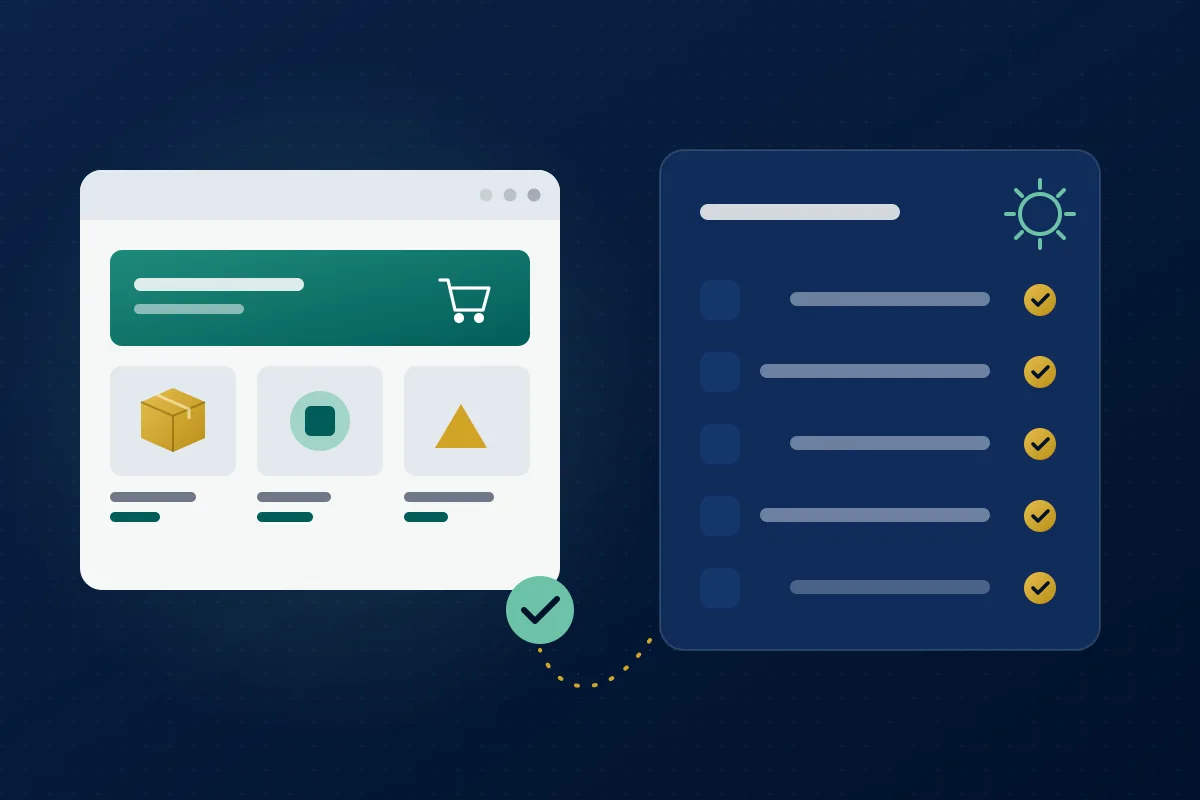
Illustration: a new online storefront beside a completed set-up checklist with gold check marks
TimingDepends on scopePriceWritten quote

Why Zid stores open late

Zid puts many tools in one dashboard: store details, language and currencies, VAT and invoice settings, custom shipping and shipping services, legal pages, online payments, themes and the app market. Every decision left to trial and error delays the launch or shows the customer a wrong figure at checkout.

  • Shipping or VAT shows the wrong amount at checkout
  • Return and privacy pages are empty or copied and don't fit your business
  • Ads run before measurement is connected, so you can't tell where an order came from

What the set-up covers

  • Store details and settings

    Store details, language, currencies and working hours, plus VAT and invoice settings as your business requires.

  • Shipping and delivery

    Shipping methods, zones and costs as you decide them, through Zid's shipping services or custom shipping.

  • Legal pages

    Returns, exchanges, privacy and terms, written for your business and reviewed by you before they go live.

  • Online payments

    We guide you to activate payments in your business's name step by step, then review the set-up and run a test order.

  • Measurement

    Google Analytics, the Meta pixel, Snapchat ads and the TikTok pixel, through the integrations Zid provides.

  • Storefront and first products

    A theme from the Zid theme market arranged in your identity, and your first products with descriptions and categories.

Set-up steps

TimingDepends on scope

  1. Kick-off

    We collect your logo, business details, the cities you ship to and your first product list, and check your Zid plan.

  2. Written quote, then a team membership

    Scope, timing and price in a written quote, then a contract, then you add us under "Team" with the permissions the work needs.

  3. Settings, shipping and legal pages

    We configure the store and draft the legal pages, which you review before they're approved.

  4. Storefront, products and measurement

    We arrange the theme and home page, add the first products and connect the measurement tools.

  5. Test order and handover

    We place a test order on a phone through to the thank-you page, then hand over a list of everything configured and where to find it.

What you receive

  • A Zid store that takes orders, payments and shipping
  • Legal pages published in the store
  • Measurement tools connected and tested
  • A written list of every setting and where it lives in the Zid dashboard
  • A post-handover fix period set by the contract

Who it's for

  • Merchants opening their first store on Zid
  • Businesses selling on Instagram or WhatsApp who want an organised Zid store
  • Zid stores that were opened and left unfinished

When it isn't the right fit

If your Zid store already sells and its settings are sound, you don't need a full set-up — order only the service you're missing: theme, products, integrations or SEO.

Before you decide

What to prepare before we start

Your logo and brand colours if you have them, business and commercial registration details, your VAT number if you're registered, the cities you ship to, and your first products with images and prices. Anything missing doesn't stop the start: we begin with settings and the storefront, and leave what waits on a document until it's ready.

Why a team membership and not your password

The Zid dashboard lets you add members to your store team by name and email with a permission group, and the member confirms through an emailed link. You see what we do, decide what we can reach, and remove the membership after handover without changing your password.

Store set-up or store design?

People searching for "Zid store design" usually mean this: a store with a theme from the Zid theme market arranged in their identity, and sound settings. What a theme allows in colours, fonts and sections is covered by the Zid theme service, and theme customisation depends on your plan.

Order this service

Send us your request on WhatsApp and we'll reply with a written quote — scope, timing and price — before any payment.

Order on WhatsApp

From our blog: read before you order

Frequently asked questions

Can we start before my commercial registration is complete?

Yes. We can start with settings, the storefront and products, and leave payment activation and anything that needs official documents until they're ready in your name.

Do you write the legal pages or do I?

We draft them for your business, shipping and returns, and you review and approve them before they go live — they're your commitment to your customers.

Does the set-up include buying the theme or apps?

No. You choose the theme and apps from the Zid theme market and app market on the terms published there, in your store's name; we handle the choice, set-up and layout.

How long does a Zid set-up take?

It depends on your product count and how ready your content and documents are, so we write the timing in the quote after seeing the store.