




Version: Saudi Arabia

Websites & systems · Google profile

Google Business Profile setup and verification on Google Maps

When someone nearby searches for a restaurant, clinic or shop like yours, Google Maps shows up first. We make sure your business appears there with complete, accurate information, verified and owned by you.

  • Licensed Gulf company
  • Written contract before payment
A hand pinning a red pin onto a city street map, with more pins beside it
Timing3–5 daysPriceWritten quote

The customer is two streets away, and the map doesn't know you

Someone nearby types 'car wash' or 'dental clinic' into Maps and sees three businesses, none of them yours. Or yours appears with the wrong pin, an old phone number, or hours saying you're closed when you're open. Maybe a former employee or a marketer created the profile with their personal email, and now you can't edit it. And unanswered reviews make customers wonder whether anyone is paying attention. A neglected Google profile loses customers who were already on their way to you.

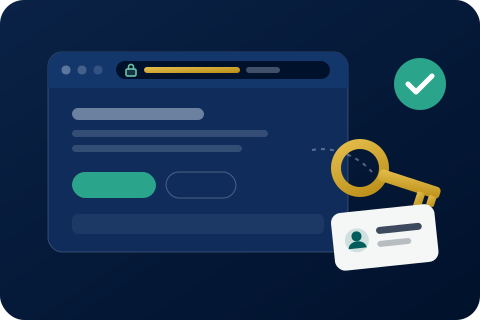
Browser window with a secure lock, a gold key with an ownership tag and a check mark
Domain in your name

What the work covers

  • Creating your Google Business Profile, or claiming an existing one and transferring ownership to you
  • Following through the verification steps Google asks for until complete
  • Choosing the right primary and secondary categories for your business
  • Photos: exterior, interior, products or services, and team
  • Opening hours, including Ramadan and Eid hours
  • Services or products with descriptions
  • Website, WhatsApp button and directions connected
  • A written guide to replying to positive and negative reviews

Steps and timing

Timing3–5 days

  1. Check what already exists

    We search Google and Maps for your business: is there a profile, who owns it, are there duplicates?

  2. Written agreement before any payment

    Scope and timeline in writing, then the contract. Nothing is paid before it is signed.

  3. Create or claim, in your name

    The profile sits in a Google account belonging to your business, owned by you; we're added as managers, without asking for your password.

  4. Verify and complete

    We follow the verification method Google sets, and fill in categories, photos, hours, services and contact links.

  5. Hand-over and guide

    You receive the verified profile and the review-reply guide, and can remove us as managers whenever you like.

What you receive

  • A verified Google Business Profile with you as primary owner
  • Complete business details, photos, hours and services
  • Website, WhatsApp and directions connected
  • A guide to replying to reviews
  • A summary of what was done and how to update details yourself

Who it's for

  • Restaurants and cafés that people nearby search for
  • Clinics, pharmacies and medical centres
  • Shops, showrooms and repair workshops
  • Offices and companies that customers visit
  • Businesses that serve customers at their location within a defined area

When it isn't the right fit

Purely online businesses that neither receive customers nor serve a defined area: Google's policies don't allow them a Maps profile

Anyone wanting bought reviews or reviews written on customers' behalf: we don't offer them, and they break Google's policies

Before you decide

Your profile must be in your name

The most common problem is a profile created by an employee or marketer on their personal account, who then leaves, and the owner can't change a phone number or opening hour. The right set-up is a primary owner that is a Google account belonging to the business and controlled by its owner, with anyone working on it added as a manager who can be removed. Ask about this before anything else.

Your primary category matters more than you think

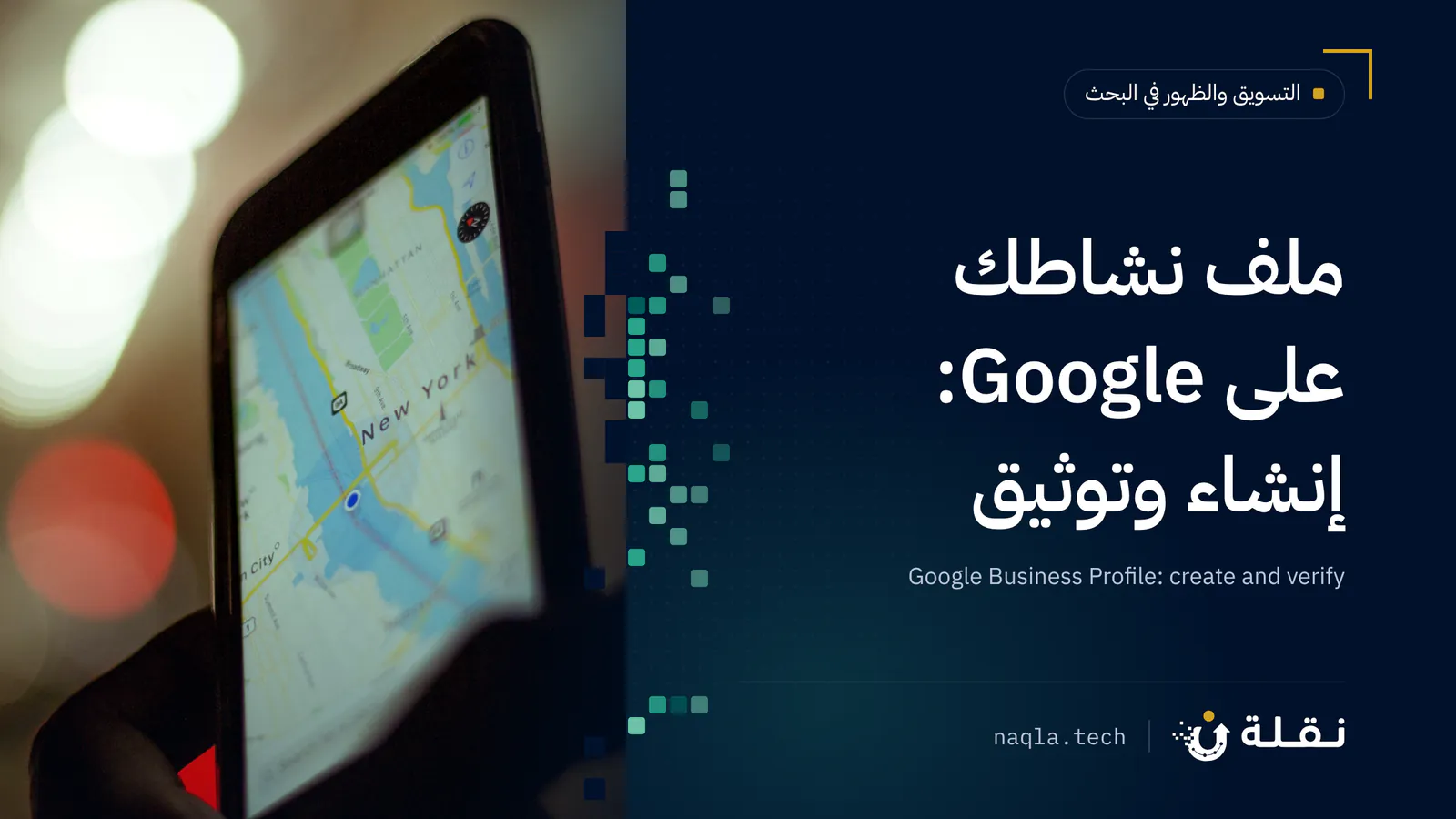
Google uses the primary category to decide when to show your business. 'Restaurant' is not 'grill restaurant'; 'clinic' is not 'dental clinic'. Pick the most precise category for what you actually do, and add secondary categories for what else you offer, without adding unrelated ones just to appear in more searches.

Your business name as it is, no stuffing

Some owners add search terms to the name, such as 'best restaurant in Riyadh'. That breaks Google's guidelines and can get the profile suspended. Use the name exactly as it appears on your signage and commercial registration, and let the description, categories and services do their job.

Real photos and accurate hours

Customers want to see what the place looks like before they come, and to be sure it's open now. Exterior photos help them recognise you from the street; interior and product photos help them decide. Update your hours for Ramadan and Eid: a customer who finds you closed when Google said open doesn't come back.

Reviews: ask for them, and reply

The best way to get more reviews is to ask satisfied customers, with a direct link, right after the service. Then reply to every review: thank positive reviewers by name, and answer negative ones calmly with a solution. Never buy reviews or write them yourself; Google removes them and may restrict the profile.

Order this service

Send us your request on WhatsApp and we'll reply with a written quote — scope, timing and price — before any payment.

Order on WhatsApp

From our blog: read before you order

Frequently asked questions

How does verification work?

Google decides the verification method for each business. It may be a call, a text, a video showing the premises and business, or something else. We work through the required method with you step by step; the final decision is Google's.

Someone else created a profile for my business. Can I get it back?

In most cases, yes. Google lets you request ownership; the request goes to the current owner, and if they don't respond within the period Google sets, further steps open up. We handle the process with you.

Do you guarantee a top spot on Maps?

No. Maps ranking depends on how close the searcher is, how relevant your business is to the search, and how well known it is. What we do is make your profile complete and accurate, which good visibility requires but which nobody can guarantee.

Do I need a website to have a Google Business Profile?

No, the profile works on its own. But linking it to a website gives customers somewhere to learn more about you before they call or visit.

I have several branches. Does each get a profile?

Yes: each branch with its own address that receives customers gets its own profile. We set the number of branches in the written proposal.

Will you reply to reviews for me?

The service includes a written guide that helps you reply yourself, with wording for positive and negative reviews. Replies from the owner come across as more genuine to customers.