




Version: Saudi Arabia

Zid services · Theme & storefront

Zid theme customisation and storefront layout: the first thing customers see, in order

Zid themes look complete in the preview and empty with your own products. We choose the right theme for what you sell, then arrange its sections, colours, fonts, header and footer in the theme editor — after checking what your plan allows.

  • Licensed Gulf company
  • Written contract before payment
  • We work from a team membership you add
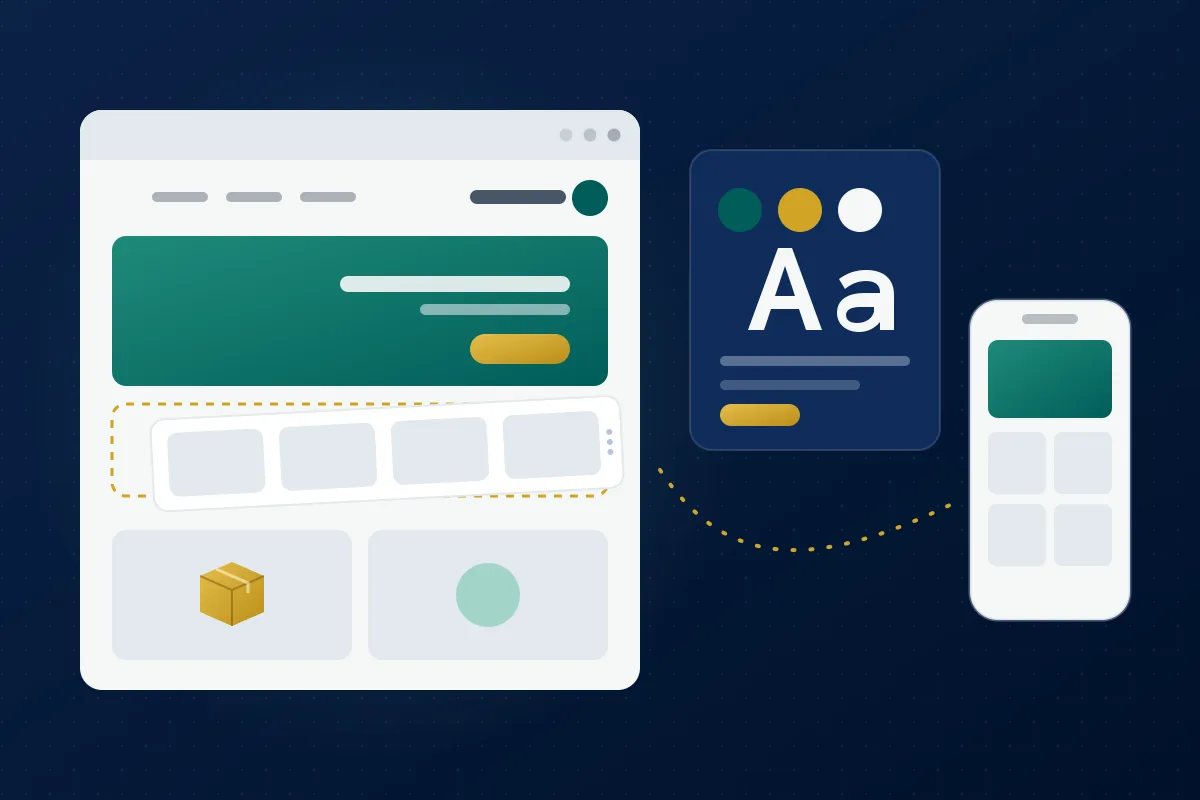
Illustration: an online storefront having its sections arranged, with a colour and font palette and a mobile preview
TimingDepends on scopePriceWritten quote

A theme on its default settings doesn't sell

Visitors decide in seconds whether to keep browsing. A theme installed as it came, sections showing random products, banners cropped on mobile, a header and footer without your policy links — all of it makes a store look unfinished even when the products are excellent.

  • A theme picked from preview images that doesn't fit your product count or type
  • Banners cropped or blurry on mobile
  • Editor changes published without a preview and hard to undo

What the work covers

  • Theme shortlist

    We compare themes from the Zid theme market by your product count, type and presentation, and you activate the theme on your store.

  • Home page sections

    Image galleries, product lists, sliders and the other sections your theme offers, in an order that leads to purchase.

  • Header and footer

    Logos for mobile and desktop, the announcement bar, footer link groups, your policies and contact details.

  • Colours, fonts and banners

    Header, footer and background colours and fonts that match your identity, and banners sized for mobile and desktop.

Steps

TimingDepends on scope

  1. Check the plan and theme

    We look at your store, its Zid plan and what the current theme allows, and the quote states only what can actually be done.

  2. Shortlist

    We send two or three suitable themes with the reason for each, and you choose and activate one from your dashboard.

  3. Layout in the editor

    We arrange sections, header, footer, colours and fonts with your real products, and preview before publishing.

  4. Banners and review

    We design and upload the banners, and you review the storefront on your phone before publishing.

What you receive

  • A theme arranged with your products and approved for publishing
  • Banners in mobile and desktop sizes, with source files
  • A header and footer with your policy links
  • A written note of what changed in the theme editor
  • A post-handover fix period set by the contract

Who it's for

  • New Zid stores that want an organised storefront from the start
  • Live stores still on a theme's default settings
  • Merchants changing theme on Zid who want the layout moved over cleanly

When it isn't the right fit

A theme built from scratch means theme development through the Zid partner programme and its theme tools, which is outside this service. And if your plan doesn't allow theme customisation, we tell you before any quote.

Before you decide

What the Zid theme editor allows

According to the Zid help centre, theme customisation in the new dashboard covers header settings (language, country, logos for mobile and desktop, an announcement bar), adding page sections such as image galleries, product lists and sliders, the footer with its links, store description and contact details, and fonts and colours — with a preview before publishing and a revision history you can restore. The options vary from theme to theme.
Customisation depends on your plan

The Zid help centre states that theme customisation is available on the Professional and Big Business plans, and that the login, sign-up and checkout pages can't be customised. So we check your plan first, and you never pay for a change that can't be applied.

What about code?

Zid's developer docs describe a custom CSS file that the merchant uploads from the dashboard and the theme loads. If it's available for your store and theme, we use it for specific visual changes the editor can't make, tested on mobile and desktop and written into the handover note.

Order this service

Send us your request on WhatsApp and we'll reply with a written quote — scope, timing and price — before any payment.

Order on WhatsApp

From our blog: read before you order

Frequently asked questions

Does the work include buying the theme?

No. You choose and activate the theme from the Zid theme market on the terms published there; we handle the shortlist, layout and banners.

Can every Zid plan customise its theme?

According to the Zid help centre, theme customisation is available only on the Professional and Big Business plans. We check your plan before quoting.

Can the checkout page be changed?

No — the Zid help centre states that the login, sign-up and checkout pages can't be customised. What can be arranged is everything before them: home, categories, product pages, header and footer, depending on your theme.

What if I don't like the changes after publishing?

The Zid theme editor keeps a revision history you can restore, and we preview every change with you before publishing anyway.

Do you need the store password?

No. You add us as a team member with design permissions and whatever else is needed, and remove the membership after handover.